Which NVR can work with the doorbell?
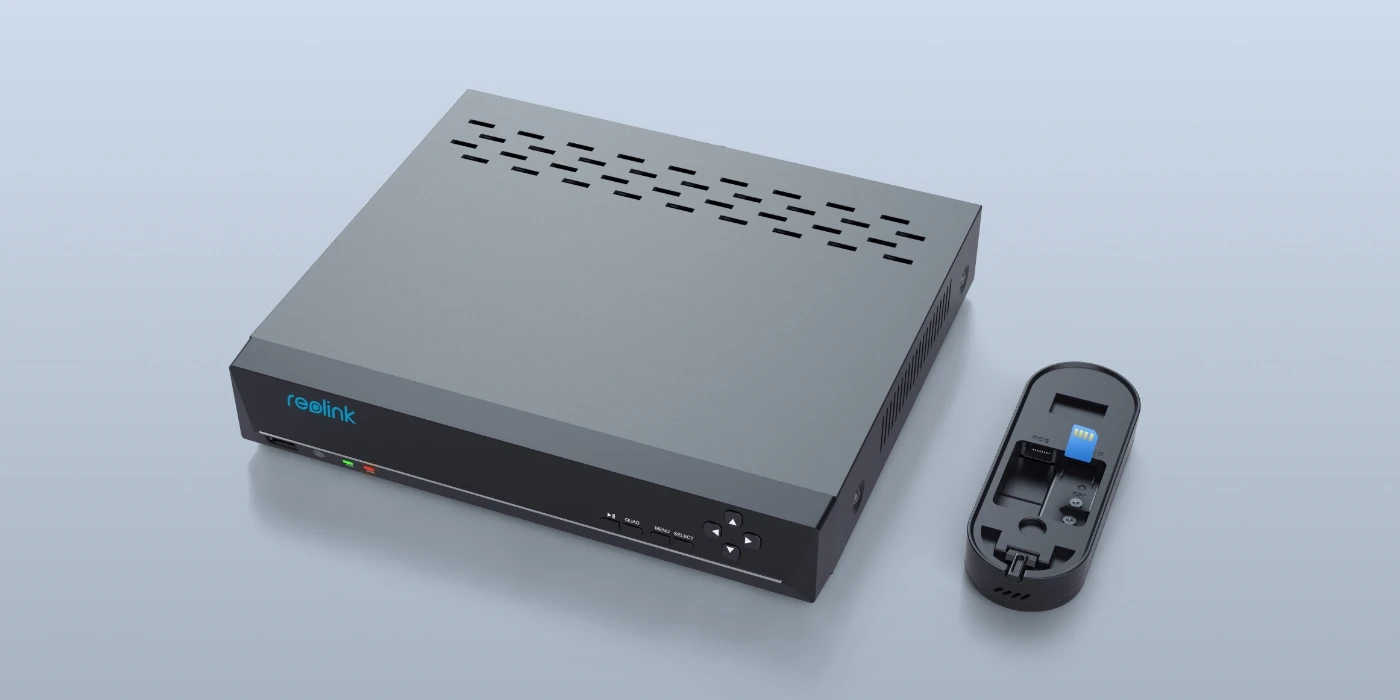
The doorbell can work with NVRs with the Hw_H3MB18, Hw_N3MB01, Hw_N2MB02, Hw_N5MB01, Hw_N6MB01 and Hw_N7MB01 hardware.
If you want to buy a new compatible NVR, all of them on sale can work with the doorbell.
Does this doorbell use the same app for remote access as other Reolink products?
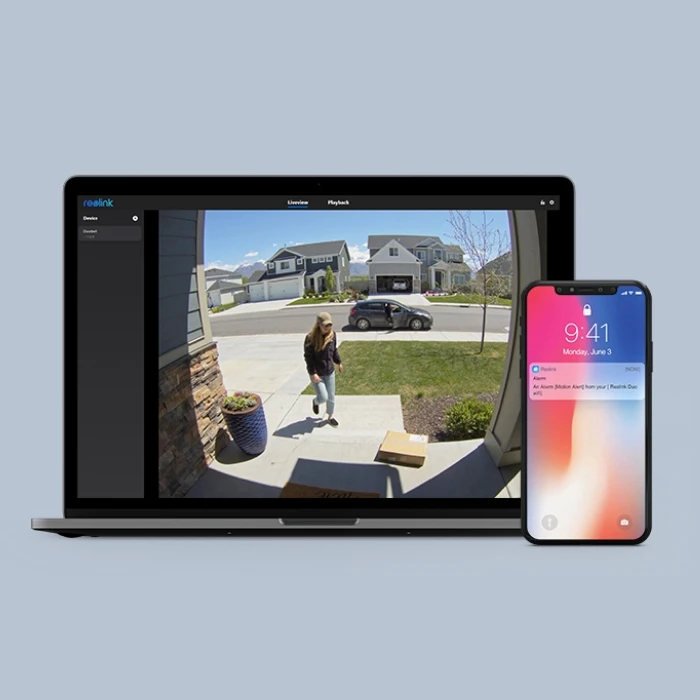
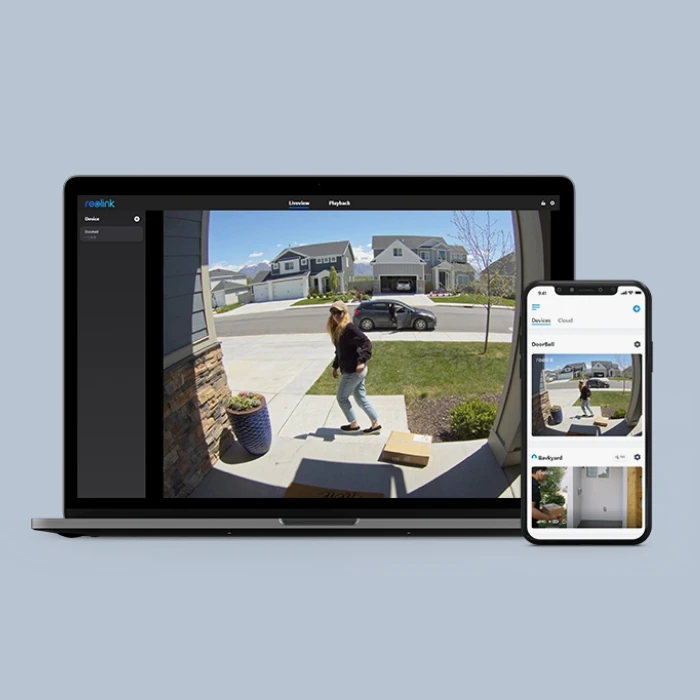
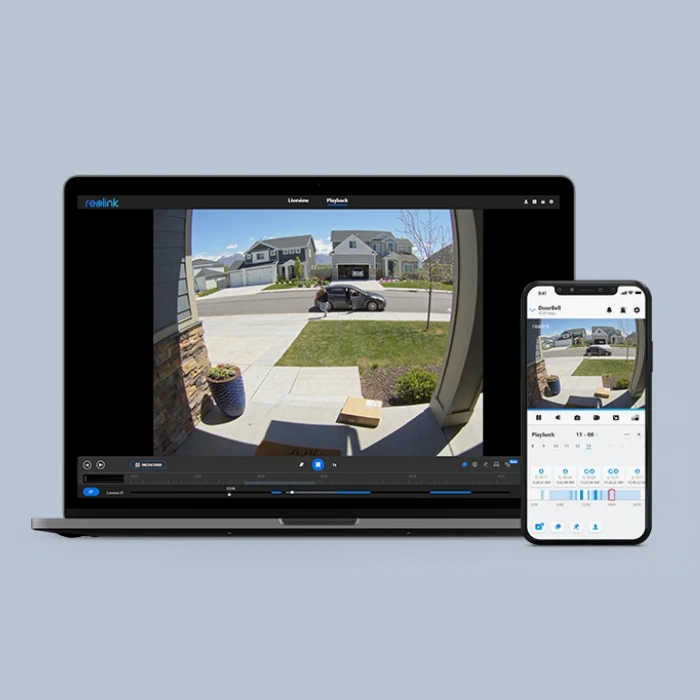
Yes. You can check your Reolink Video Doorbell WiFi at the same Reolink App as other Reolink products.
Where should I place Reolink Video Doorbell WiFi?
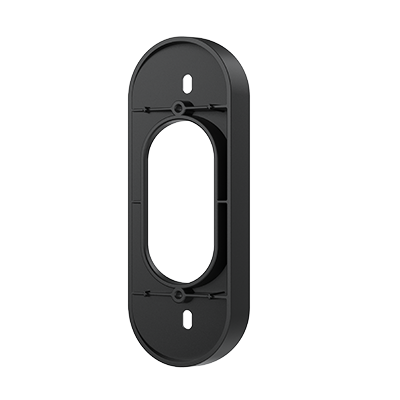
You can place the doorbell camera on the entry points of your property such as your front door, and you are recommended to mount it 1.2m high off the ground. A 15° wedge is contained to help set up the right angle or alter the angle.
Does the video doorbell support 24/7 recording?
Yes, you can set Reolink Video Doorbell WiFi to record 24/7 continuously to a microSD card (not included) or an NVR. Or you can set it to record only when a person/motion is detected during the scheduled time periods.
Does Reolink Video Doorbell WiFi use batteries?
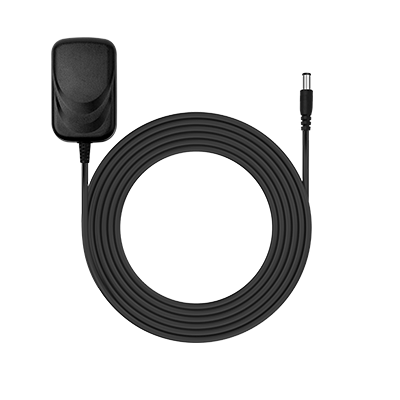
No, it is hardwired. You need to power it via power adapter, or via the pre-existing doorbell wiring (12-24V AC; 24V DC).
Can I control the volume of the Chime?
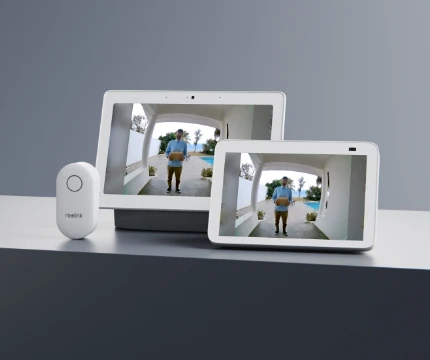
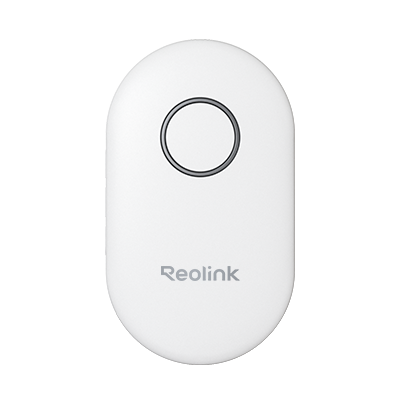
Yes, you can control the volume of the Chime by pressing its button. Initially the volume goes up when you press the button. After the volume reaches the highest, it goes down if you keep pressing the button.
Please note that the settings of the Chime can only be done locally; you can NOT control the Chime via App or Client.
Can I use the Reolink Video Doorbell WiFi offline?
Yes. Without the Internet connection, the doorbell camera can still detect motion/person and record videos to the SD card (purchased separately). But it cannot send alerts to your mobile devices and you cannot live view it.
If the chime is connected to the doorbell, it will chime when the doorbell is pressed, regardless of the Internet connection.
Can I use Reolink Video Doorbell WiFi with my pre-existing chimes?
No, it does not work with chimes of other brands or pre-existing mechanical chimes. But the doorbell can be powered by the existing wiring from your mechanical chime, which will no longer ring in such circumstances.
Does Reolink Video Doorbell WiFi require a subscription?
No, you don’t need any subscription for using Reolink Video Doorbell WiFi unless you want to use Reolink Cloud services for cloud storage or rich notification.
Does it support third-party products?
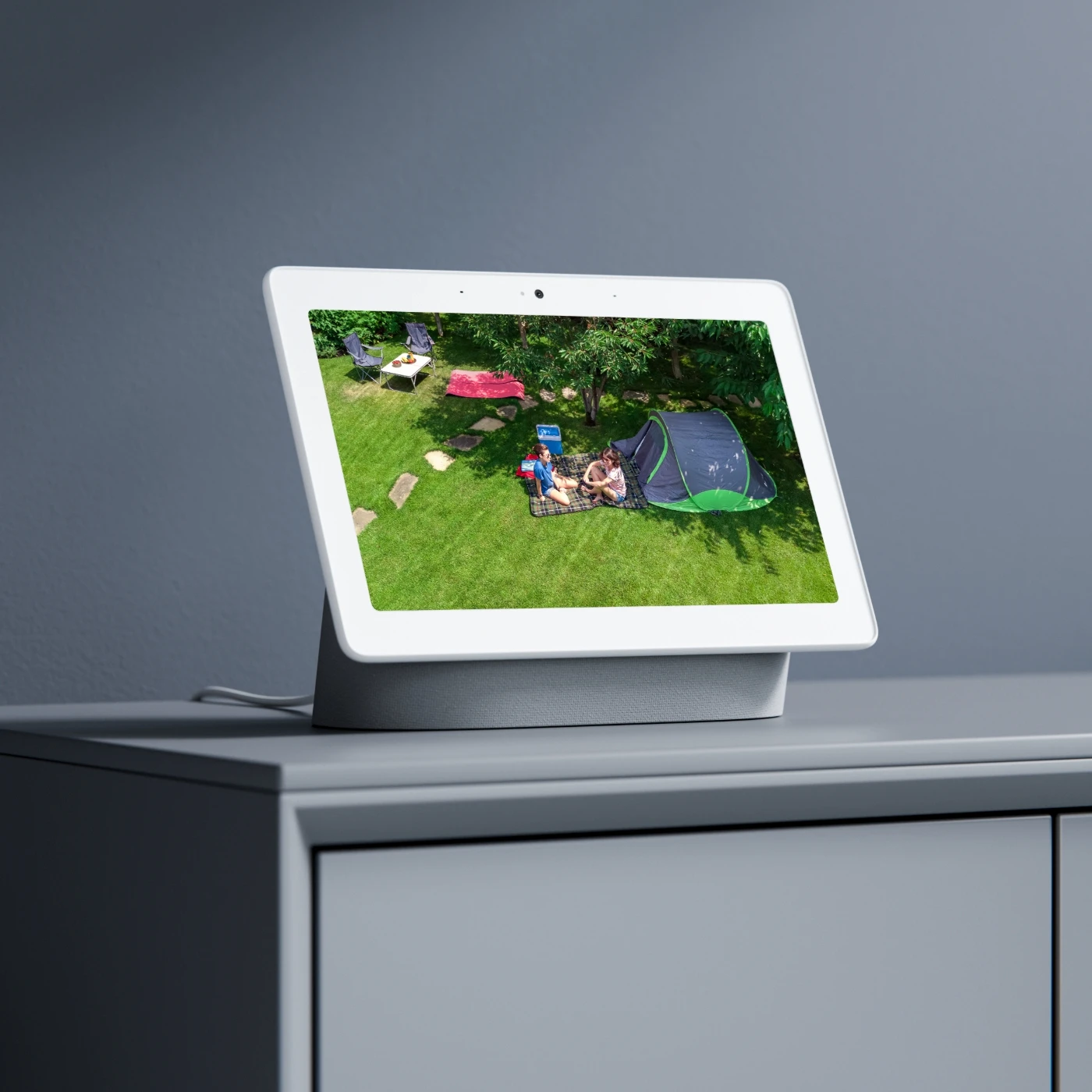
No, Reolink Video Doorbell WiFi and its chime cannot work with doorbells or chimes from other brands. You can add it to some third-party software for live view, however. Please contact
our support team if you have any concerns about protocols.
What's the difference between Video Doorbell PoE and Video Doorbell WiFi?
Reolink doorbell video camera series has two versions: the PoE version and the WiFi version. The main difference between the two versions lies in their ways of getting network connections.
To get access to the network, Reolink video doorbell PoE needs to use network cables. It can get both the network and power via PoE injector/ PoE NVR by an Ethernet cable. Or it can get network access by connecting to a router via a network cable, and be powered via a 24V 0.5A power adapter, 12~24V AC pre-existing doorbell wiring.
Reolink video doorbell WiFi supports 2.4/5 GHz dual-band WiFi. And you can power it on via a 24V 0.5A power adapter or 12~24V AC pre-existing doorbell wiring.
What is the difference between the black and white versions?
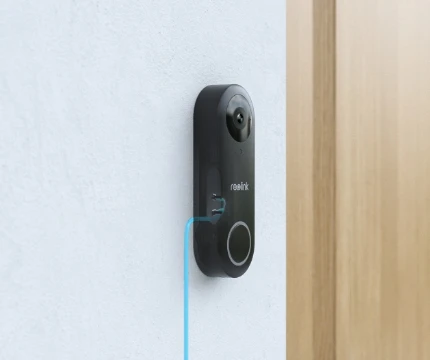
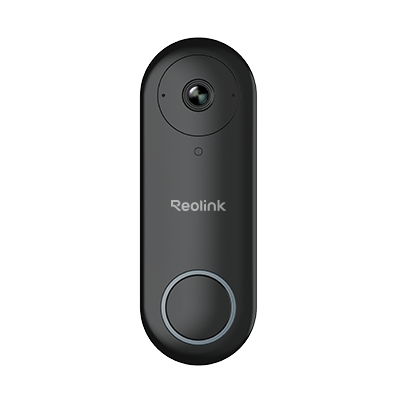
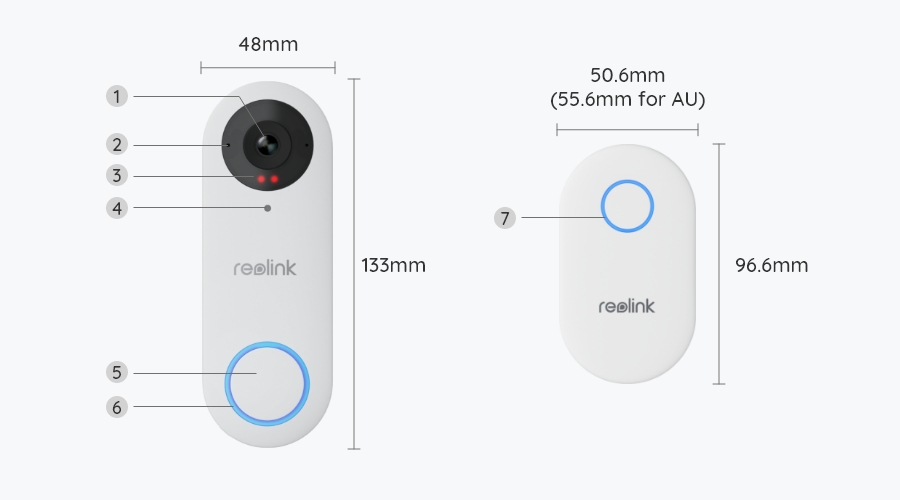
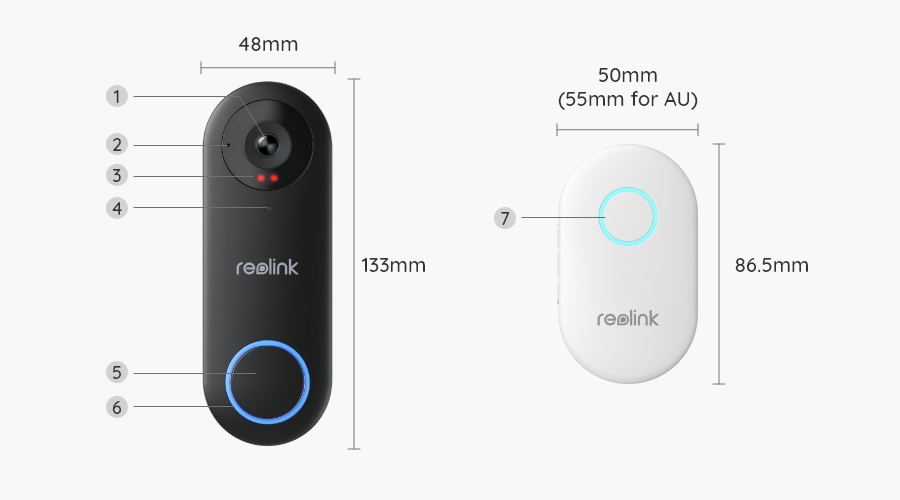
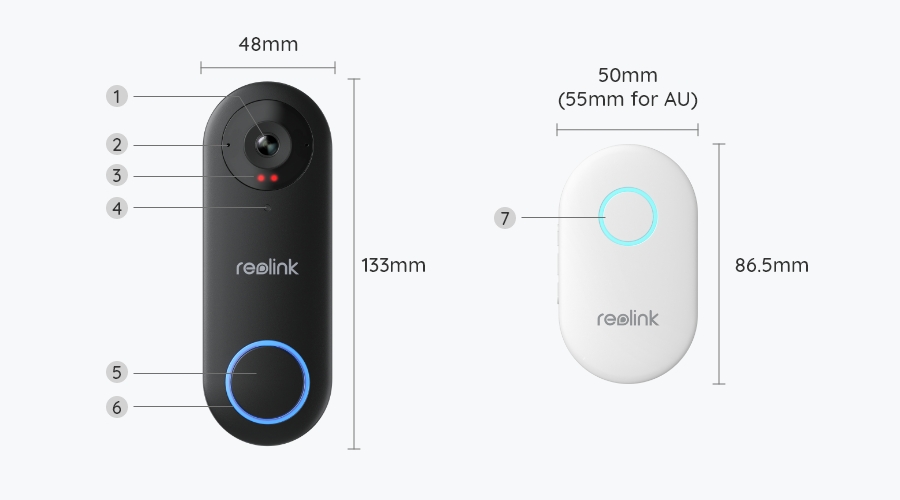
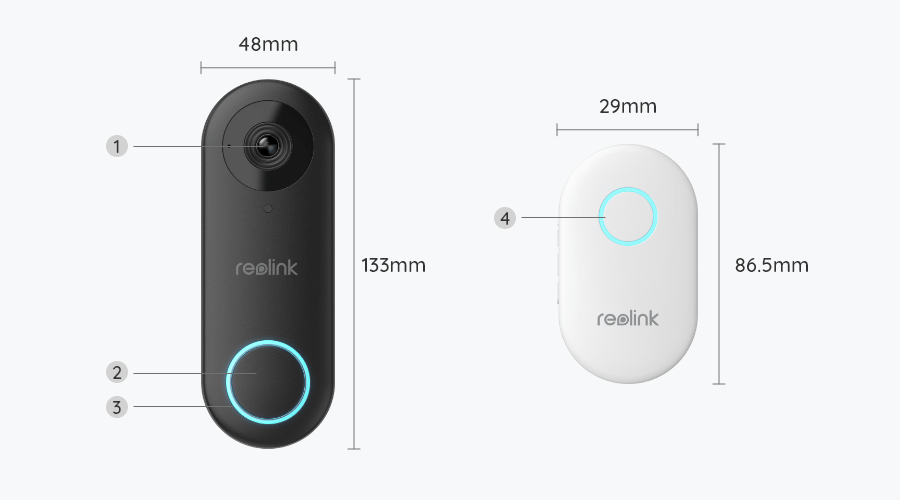
Apart from their body colors, the white and black doorbells feature different screen ratios: 3:4 for the white version and 4:3 for the black one. This makes the white doorbell ideal for front doors with a long, narrow porch, ensuring a complete view of visitors from head to toe. In contrast, the black doorbell is designed for doors with a more open front view, offering a wider horizontal field of vision. Additionally, the white version can detect packages, which helps prevent porch piracy.
Does the doorbell work with Reolink IoT devices (Reolink Floodlight, etc.)? How can they be linked?
Yes, the doorbell works with Reolink IoT devices, including Reolink Floodlight PoE/WiFi. The specific functions supported depend on the doorbell.
When Reolink Floodlight is linked to a doorbell, the floodlight and the built-in siren will be triggered once the doorbell detects a person.
Click here to see how to link the doorbell to Reolink Floodlight.Does the doorbell work with Reolink IoT devices (Reolink Floodlight, etc.)? How can they be linked?
Yes, the doorbell works with Reolink IoT devices, including Reolink Floodlight PoE/WiFi. The specific functions supported depend on the doorbell.
When Reolink Floodlight is linked to a doorbell, the floodlight and the built-in siren will be triggered once the doorbell detects a person.
Click here to see how to link the doorbell to Reolink Floodlight.What is the difference between the black and white versions?
Apart from their body colors, the white and black doorbells feature different screen ratios: 3:4 for the white version and 4:3 for the black one. This makes the white doorbell ideal for front doors with a long, narrow porch, ensuring a complete view of visitors from head to toe. In contrast, the black doorbell is designed for doors with a more open front view, offering a wider horizontal field of vision. Additionally, the white version can detect packages, which helps prevent porch piracy.
What's the difference between Video Doorbell PoE and Video Doorbell WiFi?
Reolink doorbell video camera series has two versions: the PoE version and the WiFi version. The main difference between the two versions lies in their ways of getting network connections.
To get access to the network, Reolink video doorbell PoE needs to use network cables. It can get both the network and power via PoE injector/ PoE NVR by an Ethernet cable. Or it can get network access by connecting to a router via a network cable, and be powered via a 24V 0.5A power adapter, 12~24V AC pre-existing doorbell wiring.
Reolink video doorbell WiFi supports 2.4/5 GHz dual-band WiFi. And you can power it on via a 24V 0.5A power adapter or 12~24V AC pre-existing doorbell wiring.
Does it support third-party products?
No, Reolink Video Doorbell WiFi and its chime cannot work with doorbells or chimes from other brands. You can add it to some third-party software for live view, however. Please contact
our support team if you have any concerns about protocols.
Does Reolink Video Doorbell WiFi require a subscription?
No, you don’t need any subscription to use Reolink Video Doorbell WiFi unless you want to use Reolink Cloud services for cloud storage.
Can I use Reolink Video Doorbell WiFi with my pre-existing chimes?
No, it does not work with chimes of other brands or pre-existing mechanical chimes. But the doorbell can be powered by the existing wiring from your mechanical chime, which will no longer ring in such circumstances.
Can I use the Reolink Video Doorbell WiFi offline?
Yes. Without the Internet connection, the doorbell camera can still detect motion/person and record videos to the SD card (purchased separately). But it cannot send alerts to your mobile devices and you cannot live view it.
If the chime is connected to the doorbell, it will chime when the doorbell is pressed, regardless of the Internet connection.
Can I control the volume of the Chime?
Yes, you can control the volume of the Chime by pressing its button. Initially the volume goes up when you press the button. After the volume reaches the highest, it goes down if you keep pressing the button.
Please note that the settings of the Chime can only be done locally; you can NOT control the Chime via App or Client.
Does Reolink Video Doorbell WiFi use batteries?
No, it is hardwired. You need to power it via power adapter, or via the pre-existing doorbell wiring (12-24V AC; 24V DC).
Does the video doorbell support 24/7 recording?
Yes, you can set Reolink Video Doorbell WiFi to record 24/7 continuously to a microSD card (not included) or an NVR. Or you can set it to record only when a person/motion is detected during the scheduled time periods.
Where should I place Reolink Video Doorbell WiFi?
You can place the doorbell camera on the entry points of your property such as your front door, and you are recommended to mount it 1.2m high off the ground. A 15° wedge is contained to help set up the right angle or alter the angle.
Does this doorbell use the same app for remote access as other Reolink products?
Yes. You can check your Reolink Video Doorbell WiFi at the same Reolink App as other Reolink products.
Which NVR can work with the doorbell?
The doorbell can work with NVRs with the Hw_H3MB18, Hw_N3MB01, Hw_N2MB02, Hw_N5MB01, Hw_N6MB01 and Hw_N7MB01 hardware.
If you want to buy a new compatible NVR, all of them on sale can work with the doorbell.